
-
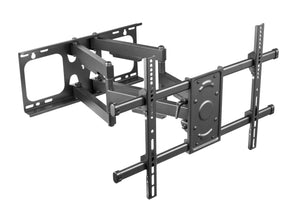
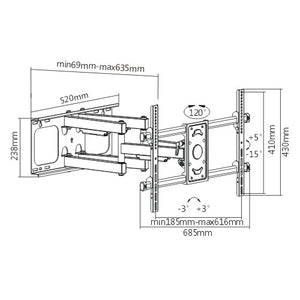
Supporto da parete per TV full motion per carichi pesanti | TVB-78
Prezzo di listino €159,00Prezzo di listino -
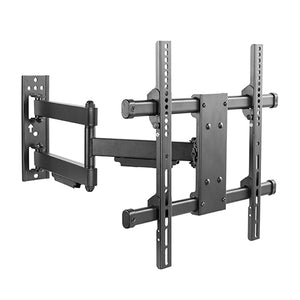
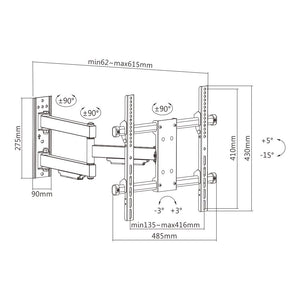
Supporto da parete per TV full motion per carichi pesanti | TVB-05
Prezzo di listino €69,95Prezzo di listino -
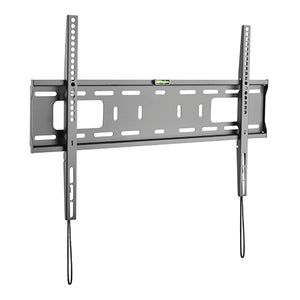

Supporto da parete fisso per TV per carichi pesanti | TVB-88
Prezzo di listino €40,00Prezzo di listino -
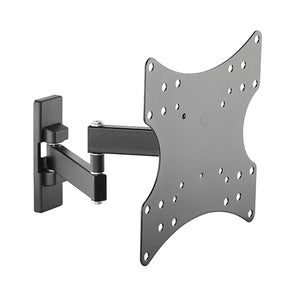
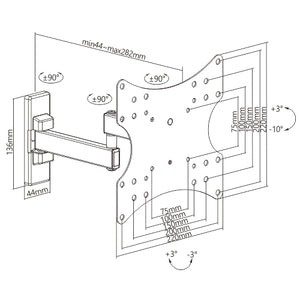
TVB-101 Super Economy Full-motion TV Wall Mount
Prezzo di listino €39,95Prezzo di listino -
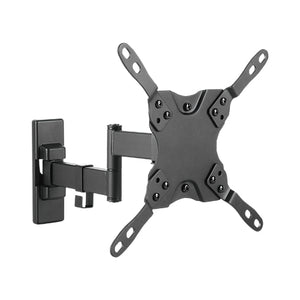
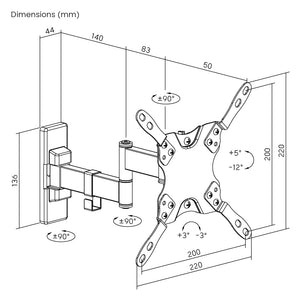
TVB-102 Low Cost Full-Motion TV Wall Mount
Prezzo di listino €34,95Prezzo di listino -
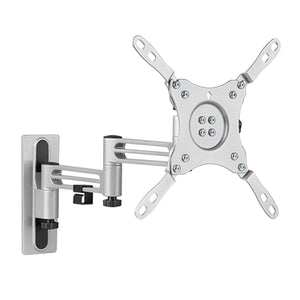
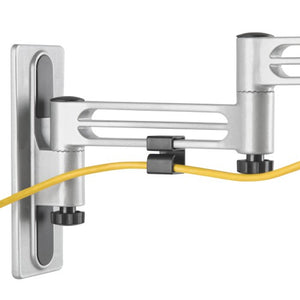
TVB-103 Lockable Aluminum Full-Motion RV TV Mount with Extended VESA
Prezzo di listino €49,95Prezzo di listino -
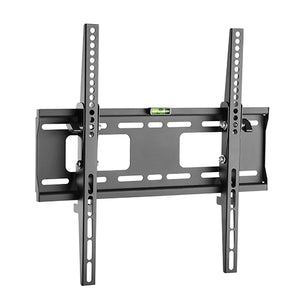
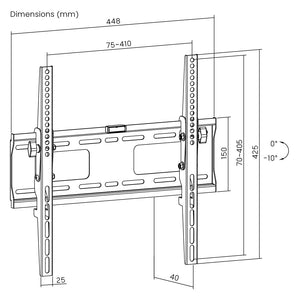
TVB-104 Heavy-duty Tilt TV Wall Mount
Prezzo di listino €40,00Prezzo di listino -
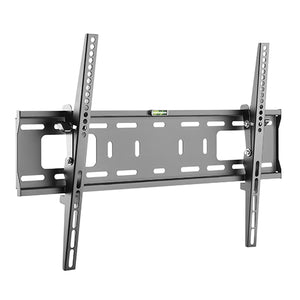
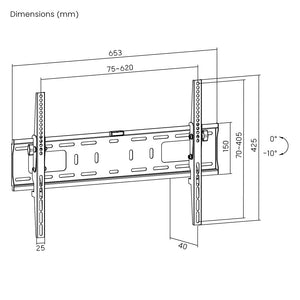
TVB-105 Heavy-duty Tilt TV Wall Mounts
Prezzo di listino €50,00Prezzo di listino -
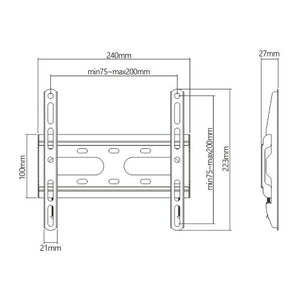
TVB-48 Super Economy Fixed TV Wall Mount
Prezzo di listino €27,50Prezzo di listino -
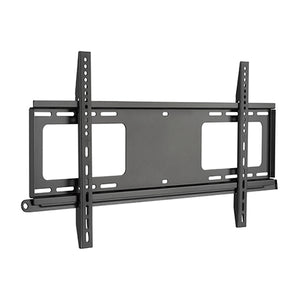
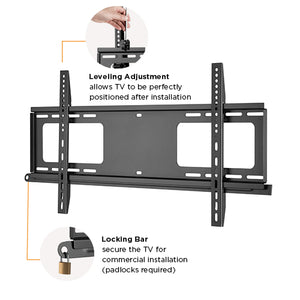
TVB-113 Anti-theft Large Screen Fixed TV Wall Mount
Prezzo di listino €64,95Prezzo di listino -
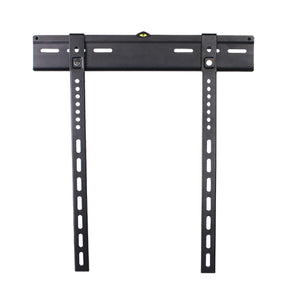
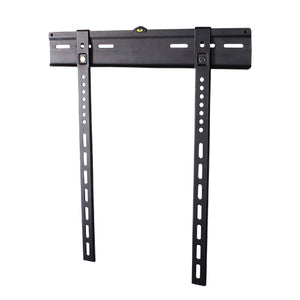
TVB-114 Economy Super Slim Magnetic TV Wall Mount
Prezzo di listino €44,95Prezzo di listino -
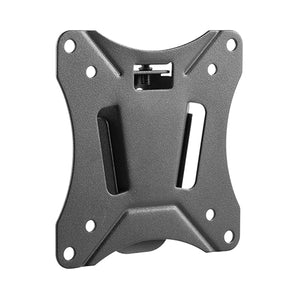
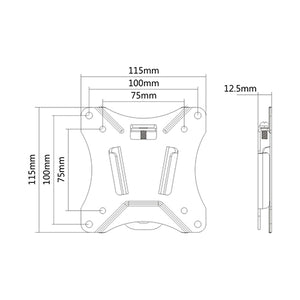
TVB-12 Compact Slim Fixed TV Wall Mount
Prezzo di listino €22,00Prezzo di listino -
Esaurito
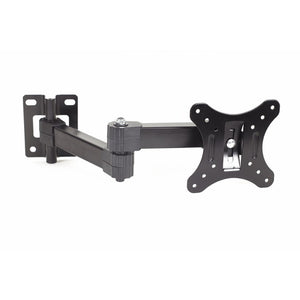
Compact TV Screen Wall Mount | TVB-07
Prezzo di listino €29,95Prezzo di listino -
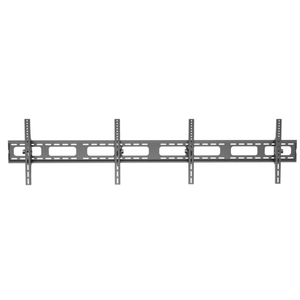
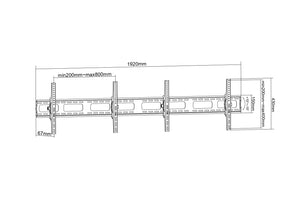
TVB-100 Double Tiltable TV Wall Bracket Counter rail
Prezzo di listino €199,00Prezzo di listino -
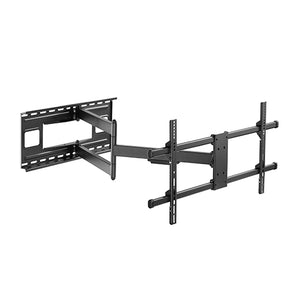
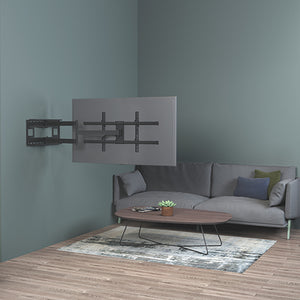
TVB-79 Extra Long Arm Full-Motion TV Wall Mount
Prezzo di listino €179,00Prezzo di listino -
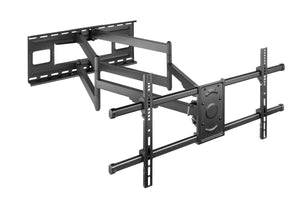
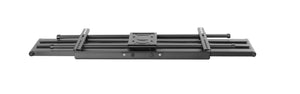
TVB-80 Heavy-Duty Full-Motion TV Wall Mount with Long Arm Extension
Prezzo di listino €199,00Prezzo di listino
Our Wolff Mount TV wall mounts help you position your screen around the way you watch. Choose a fixed mount for a close-to-wall installation, a tilting model to adjust the viewing angle, or a full-motion arm to bring the screen forward and turn it towards another seat.
Choose the right movement
TV wall mounts for the position you need
Fixed
A fixed bracket suits a screen that stays in one viewing position. Compare the wall clearance and access to cable connections before you decide.
Tilting
A tilting mount lets you change the vertical angle. Check the stated tilt range and leave room for the screen to move.
Full motion
A full-motion arm adds extension and side-to-side movement. The usable angle depends on the screen width, arm geometry and nearby furniture.
Before you order
Measure the VESA hole spacing on the back of your TV, note its weight without the original stand, and check the wall construction. The wall and fixings must support the complete installation. A bracket’s rated load does not establish the strength of your wall.
Plan the viewing position
Start with the seat you use most often. A screen opposite the sofa usually needs less movement than a screen shared between a dining area and a living room. Measure the intended screen centre, the available wall width and nearby cabinets. If you want to turn the television, allow room for the full screen width, not just the bracket. Check that the arm can fold back into the position you want.
Read the compatibility information
VESA describes the horizontal and vertical distance between the threaded mounting holes, in millimetres. Measure both distances and compare them with the exact mount. Screen size is useful guidance, but weight, mounting pattern and the shape of the rear housing also matter. Recessed mounting points, a curved back or downward-facing connections may require the spacers specified in the instructions. Check screw engagement carefully; bolts must not bottom out inside the television.
Cable access and everyday use
Consider how you will connect power, HDMI and other devices after installation. A slim mount can leave little room for straight connectors. With an extending arm, route cables so that they remain free throughout the permitted movement. Do not pull the screen by a cable or force the arm beyond its stops. After assembly, check the security of the screen attachment and the wall fixing before using the mount.
Common question
Will one mount fit every TV? No. Compare the VESA pattern, load limit, plate dimensions and access to sockets for the individual model.
Need a second check? contact Wolff Mount with your device model, measurements and installation details.